
Technical Code
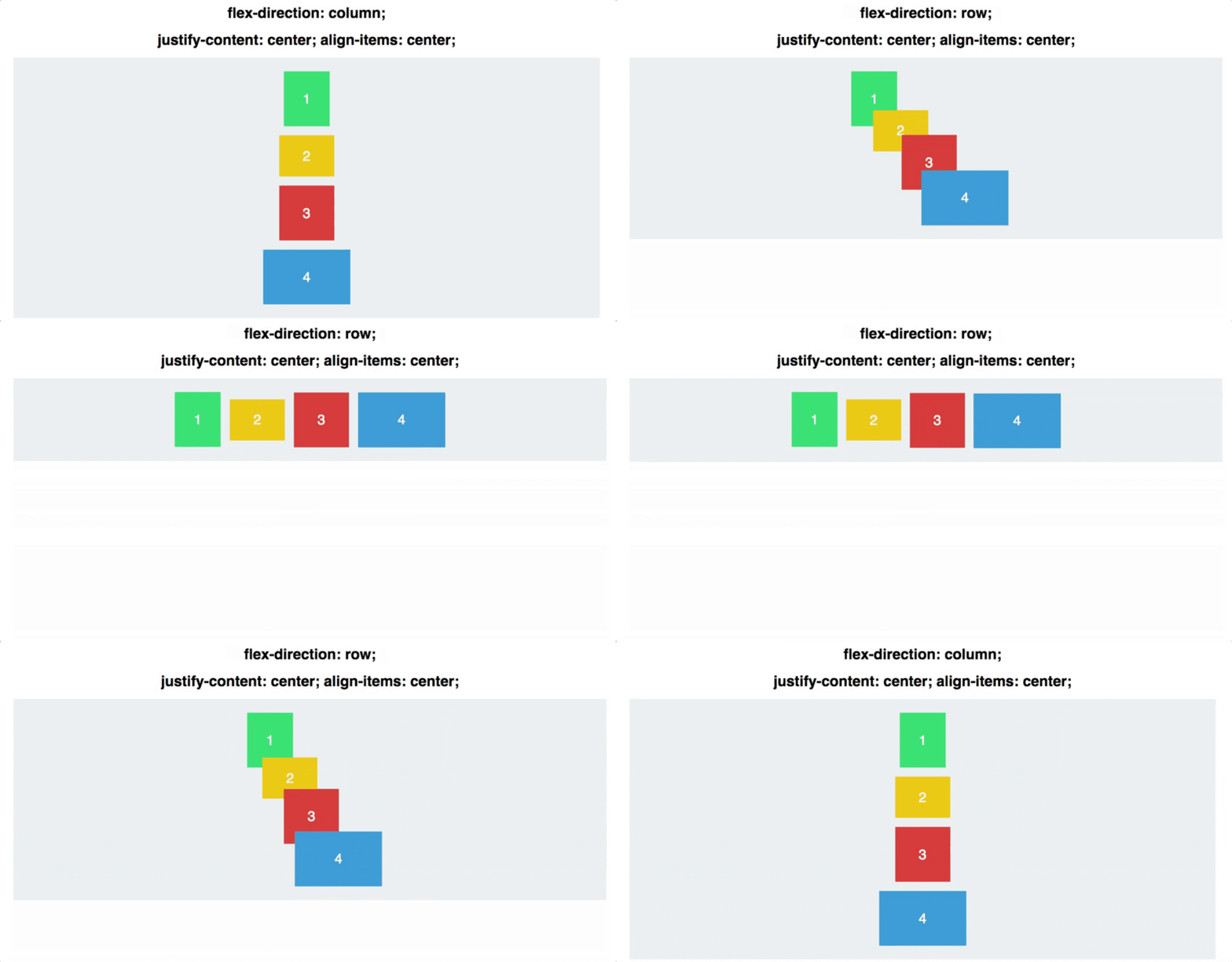
Credit to Freecodecamp.org
From experiences exploring on my own on the internet outside of school or in the classroom, I still believe there are many parts of the coding universe that I have to be exposed to. Everything listed on CSS Tricks for Flexbox layout looks interesting and ideal for my website, but there are a few that I would particularly like to try inserting into my plans for my final webpage and all my sites going further.
The Flexbox technique that piqued my interest in the subject the most was flex items, specifically order. I have seen this technique used on many sites to change the navigation tools from vertical to horizontal or on the top of the page to either side of the page, such as Apple, Forever 21, etc. I am excited to have this knowledge to upgrade my skills and create webpages that are completely interactive to its user like many sites people access daily in the real world.
Even though these techniques seem difficult, I believe that they will enhance my skills and website features that will enthrall prospective employers when they look at my portfolio. Another additional technique listed on the website that looked interesting to try for myself was align content because I need to practice with different CSS style sheets for placement of text, images and elements in general. This is also an important part of coding since any designer would want their work to look well put together and not out of alignment with the other pieces in their work, like the gifs or pictures.
Although I would mainly use the flex-start and center options, I would like to attempt to make a webpage around using the space-around or the other unusual options listed in the description, because I don’t recall seeing many websites with elements spaced out like that. The last class that I would like to add to my responsive website is the justify-content flexbox because I have seen instances where it has been used and it makes the content look very professional when presented.
I don’t have a particular specification of flex option that I would use, since I would simply have to try out and see which style looked the best with the content provided. Since in most cases of coding, you won’t know how it looks until you test it, otherwise you’re just basing it off code instead of what the code creates visually, which is what your client and customers will see.